HDFC
MyCards
May – July 2026

Confidentiality.
I can’t share the final designs under NDA. This case study shows exploratory wireframes. Final decisions, detailed research and business metrics are confidential.
The Brief: Make MyCards Easier to Use.
The redesign covered product offers and user experience. I focused on helping cardholders find everyday information.
- The problem
- What did I spend, what’s due, what renews? No quick answers.
- My part
- Researched and designed a tabbed Overview for the home screen.
How I worked
- My proposalsResearch, layouts, states
- Design reviewsFellow designers, my senior designer, team leads
- Business and engineeringNot reached during my internship; technical assumptions still needed review.
About MyCards.
MyCards is the mobile web app HDFC customers use to manage their cards. HDFC Bank has 90M+ credit and debit cards in circulation.
- Runs in the phone browser
- No install, no desktop
- No push notifications
Card count: 27.1M credit and 64.7M debit cards, Reserve Bank of India (RBI) bank-wise card statistics, August 2026.
Research: Audit, Competitors and Reddit.
I reviewed MyCards navigation, competitor apps and public posts from cardholders.

Competitor apps

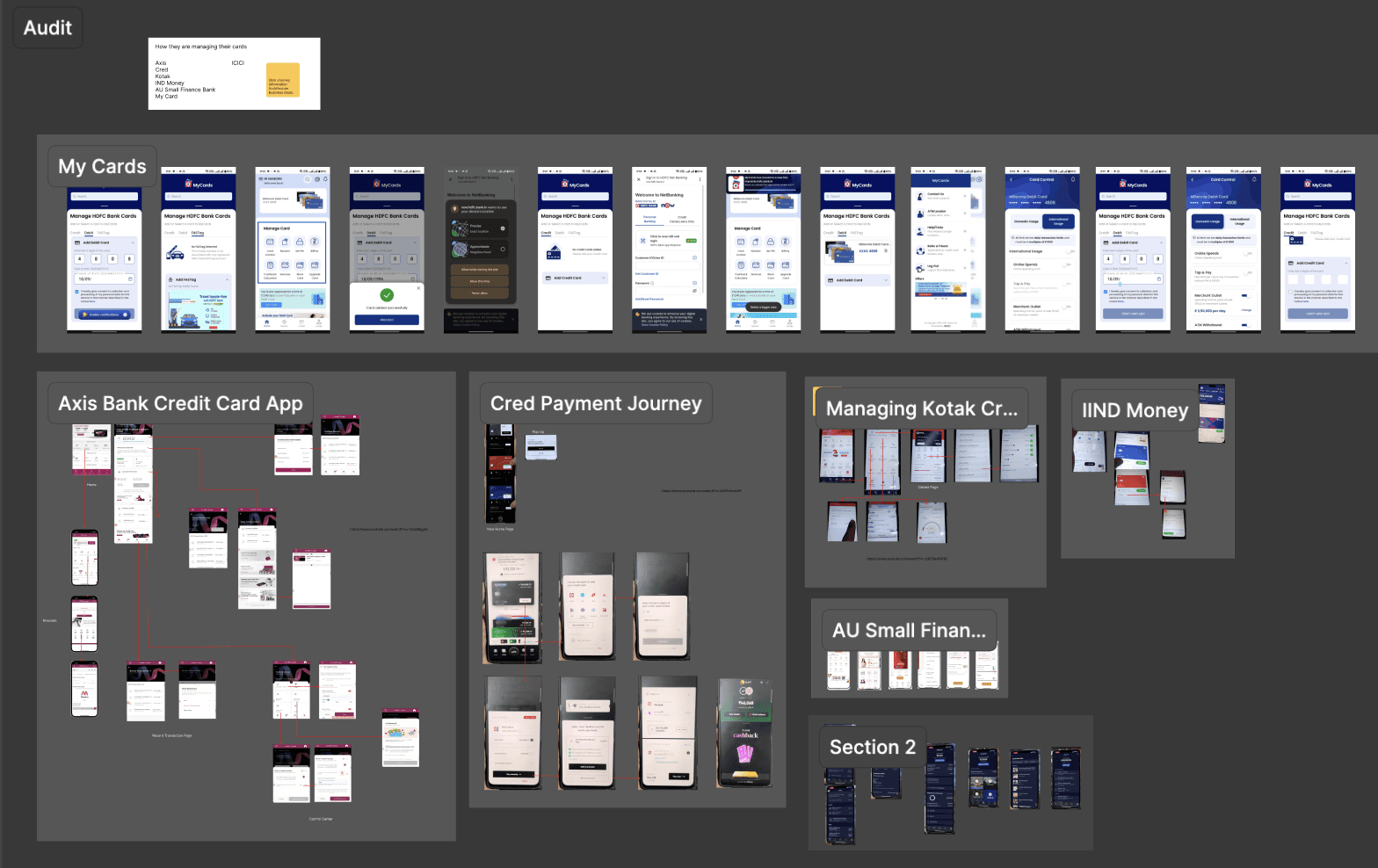
- Transactions were upfront in almost every app.
- Recurring payments existed, but sat in settings under names like e-mandate.
MyCards audit

TodaySee a recent spend
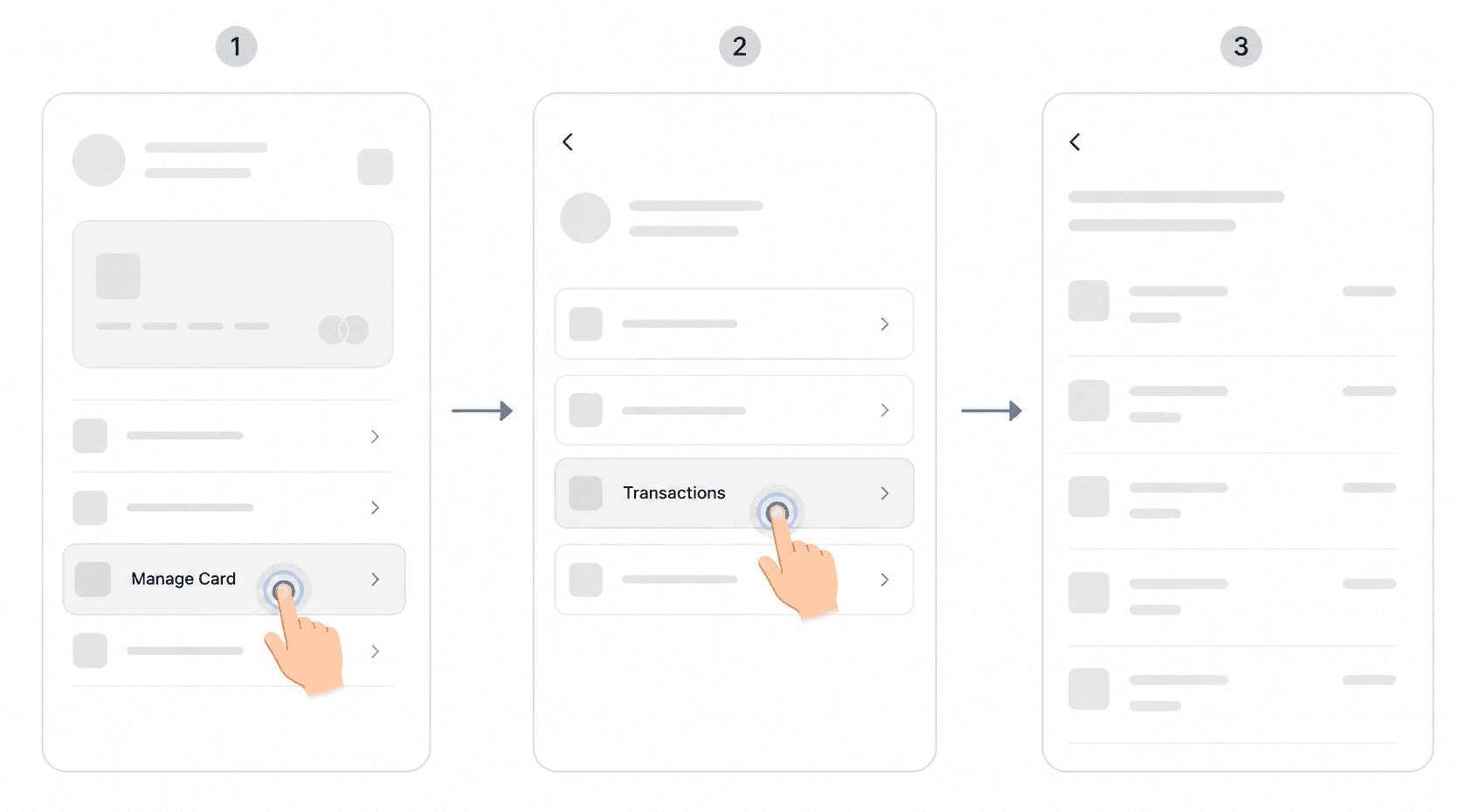
2 taps from the home screen.
TodaySee your EMIs
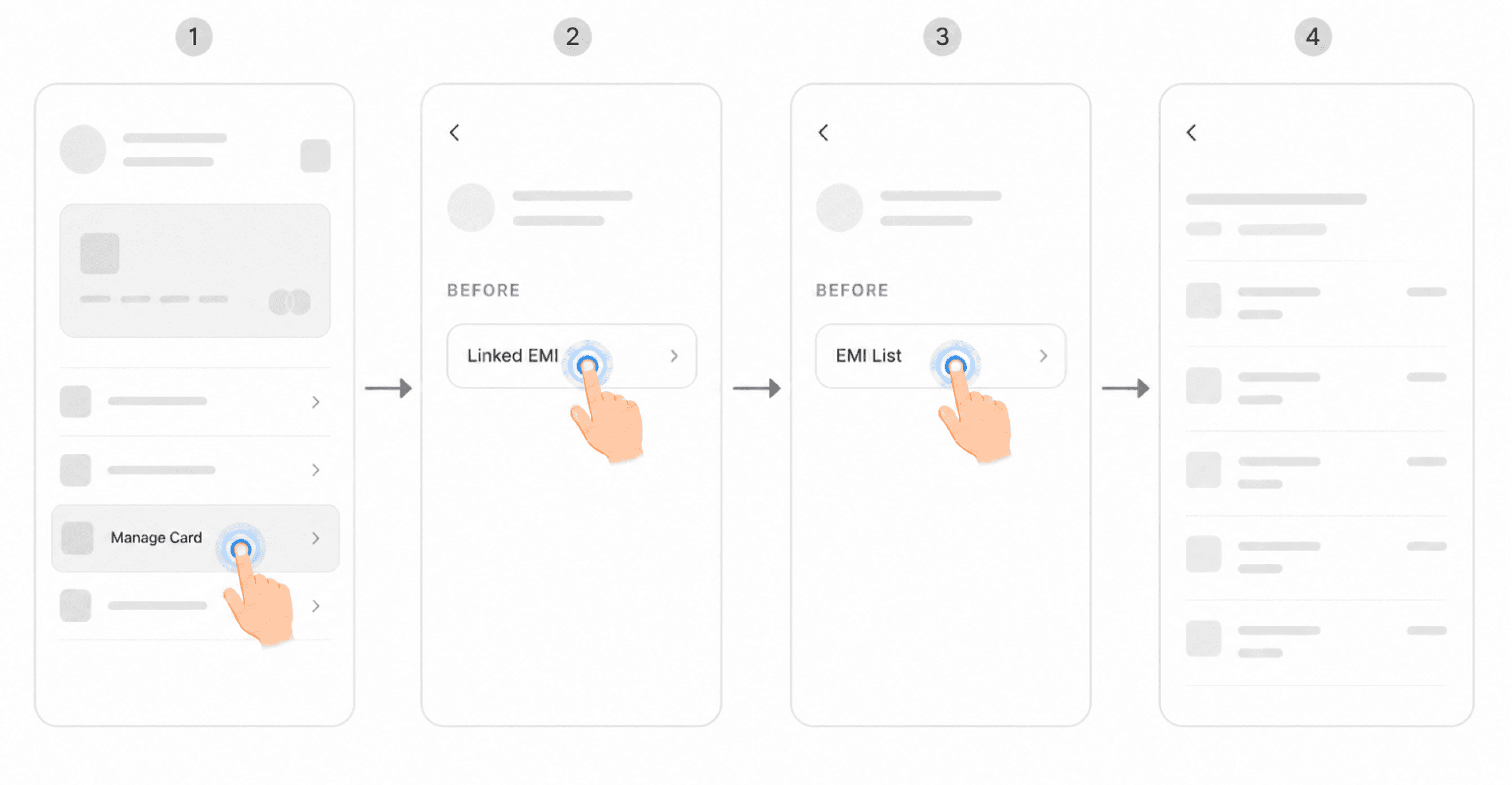
3 taps deep, split across three places.
TodayCheck a subscription
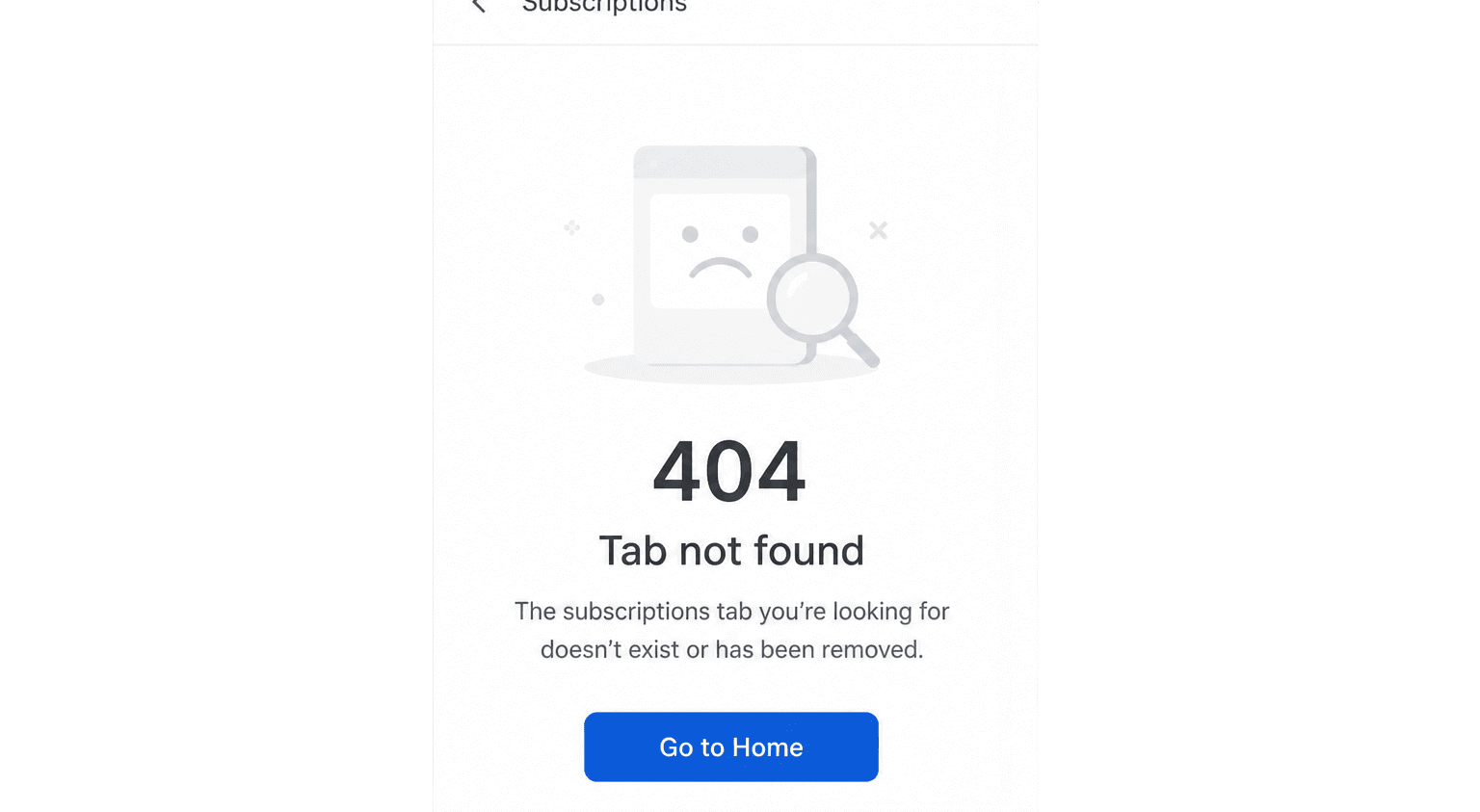
Not in MyCards at all.
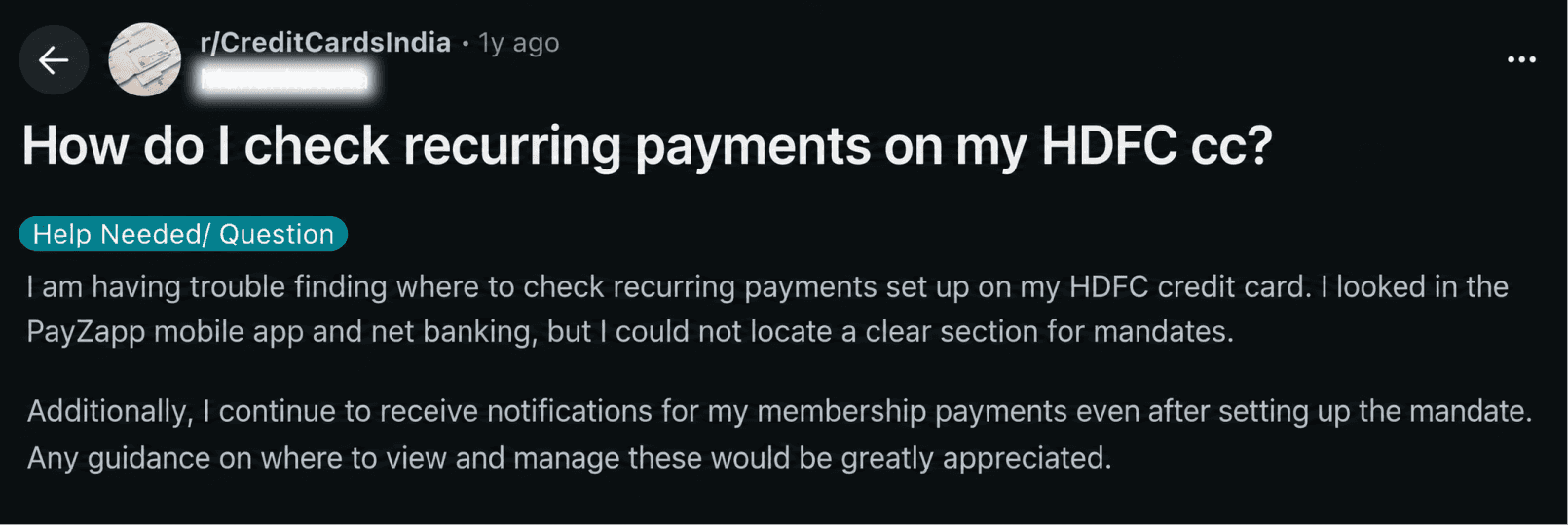
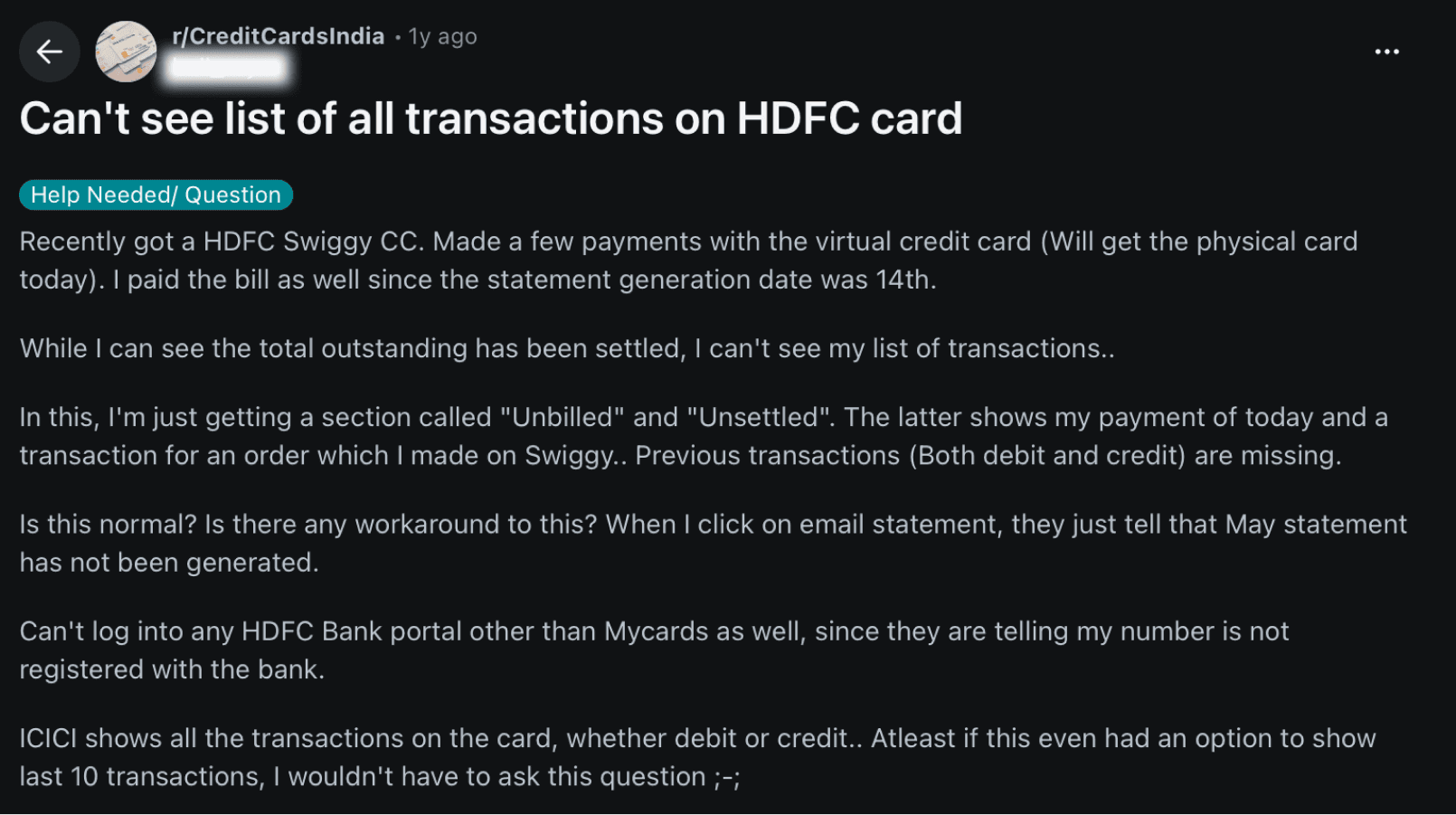
Reddit posts
These posts describe problems HDFC cardholders faced. They don’t show how common those problems are.

r/CreditCardsIndia
A community for discussing credit cards in India: rewards, benefits and bank policies.
306K weekly visitors · 12K weekly contributions

Key insight
Cardholders came with simple questions and couldn’t find the answers.
People needed a quick way to check recent spending, upcoming payments and renewals.
The Idea: One Overview on the Home Screen.
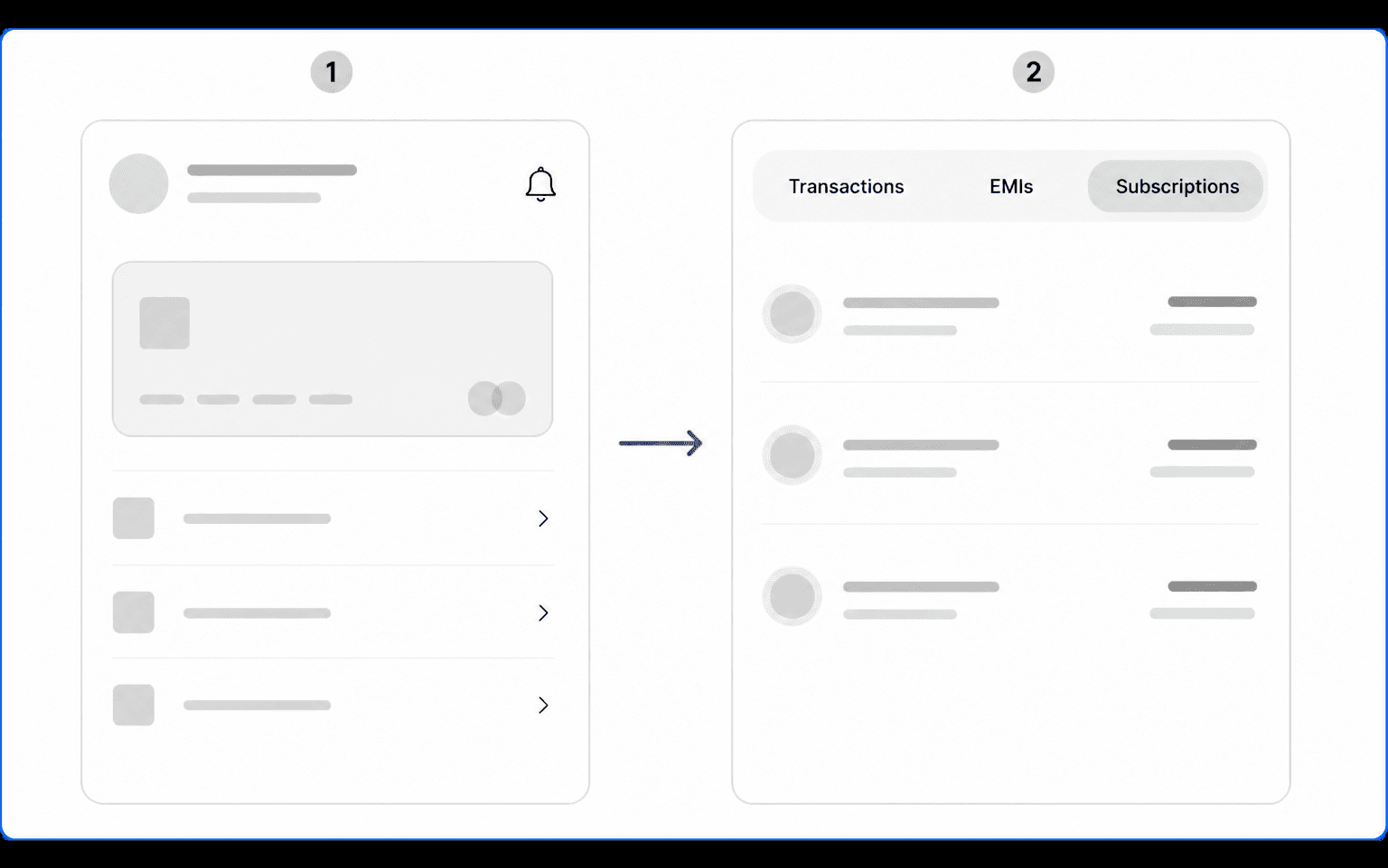
I proposed an Overview with transactions, EMIs and subscriptions together on the home screen.
Layouts I tried
Feedback on v1
People don’t open MyCards to spend time.
The feedback on version A was to reduce scrolling and show the most useful information first.
Why I Proposed Tabs.
I proposed tabs to make information easier to reach, find and understand. These were the expected benefits.
Why tabs fit the brief
- NavigationFewer steps to each list
Recent transactions appear first. EMIs and subscriptions are one tab away.
- NavigationA stable section height
Switching lists keeps the content below in place.
- DiscoverabilitySubscriptions are visible
A named tab makes subscriptions easier to spot.
- ComprehensionClear payment types
Separate lists distinguish purchases, instalments and recurring payments.
How the Overview Works.
Each tab shows a short summary, with more details available when needed.
- Recent spends, 0 taps
- Smart EMI, only next to eligible spends
- Three lists, one slot
- Recent spends, 0 taps
- Three lists, one slot
- Smart EMI, only next to eligible spends
Naming the tab
Subscriptions
Words cardholders used
Dropping autopay tags
No “Autopay” tag on each row
Everything in this tab is already on autopay, so the tag adds nothing.
Before: tag on some rows
After: chip shows status
Designing Around Banking Data.
Placeholder data looked simple. Real records raised a question: how do people recognise an EMI?
My first version named the product. The bank’s records use a reference instead, like OFFUS EMI.
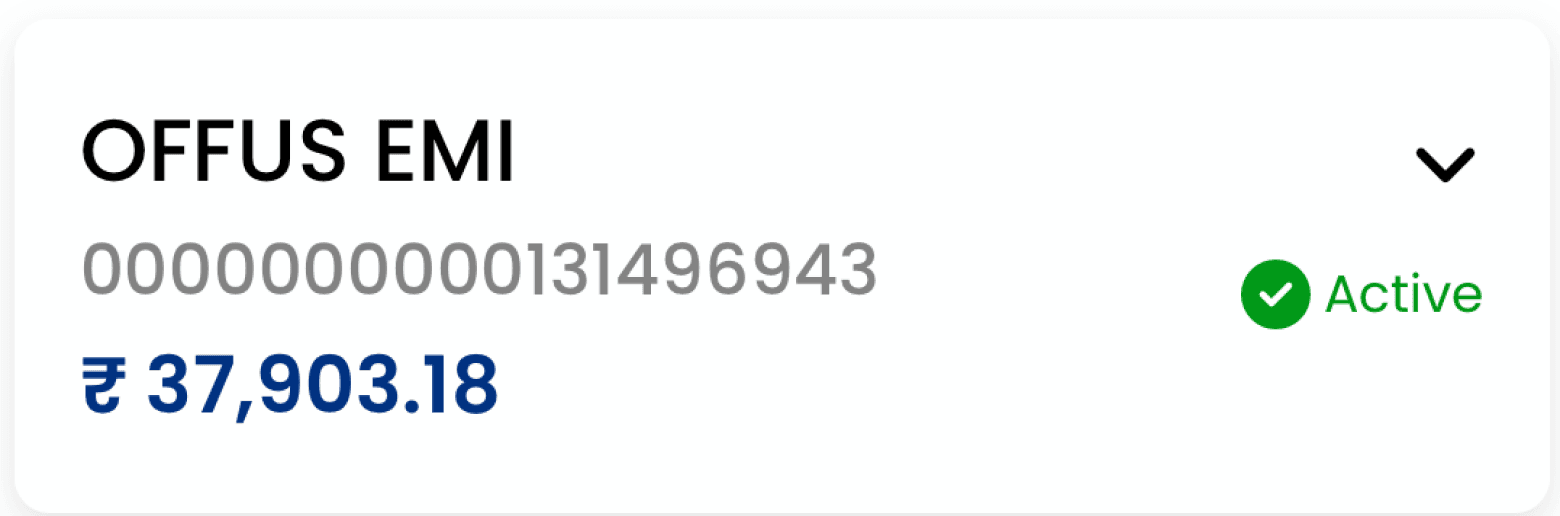
I proposed showing key amounts and dates in each row, with reference details one tap deeper.
What belongs in the row
Each tab would show up to five items, then View all. The table shows my proposed split between rows and details.
Empty and Low-Data States.
I explored what each tab should show when a card has no activity or only a few items.
Empty states
Partial states
Before and After.
The same three journeys, with the proposed structure.
ProposedSee a recent spend

2 taps → 0. Recent spends are on the home screen.
ProposedSee your EMIs

3 taps → 1. One tab, one list.
ProposedCheck a subscription
New. See every subscription and when it renews.
What I Learned.
The team leads liked the tab direction.
Use feedback to guide exploration.
The request for less scrolling led me to compare layouts and propose tabs.
Design with real records.
Bank references challenged my assumption that every EMI could use a product name.
Design beyond full lists.
Empty and partial states need as much thought as populated screens.
Keep offers relevant.
I limited Smart EMI prompts to eligible transactions.

What I could validate with more time
- Test stacked and tabbed layouts with cardholders. Compare how easily they find and complete everyday tasks.
- Use real HDFC customer behaviour and research to decide what belongs in each Overview row and what can sit deeper. For example, is a merchant ID useful upfront, or only in transaction details?
- Test fixed-height cards with no transactions, one transaction and sparse data in other tabs. Check whether the empty space feels intentional or whether the card should resize.

